
TL;DR
The Pain: You are losing ~30% of your team's context because decisions made in Slack threads never make it to Jira.
The Solution: Stop being a "human router." Use an AI Agent to listen to standups/chats and automatically update tickets.
The Outcome: A Jira board that reflects reality, 20 minutes of admin time saved per dev/day, and zero "I thought we decided that?" arguments.
Best For: Engineering Managers and Tech Leads who hate chasing people for updates.
The "Ghost Work" Problem
It's 10:00 AM on a Tuesday. Your Lead Engineer, Sarah, pings the #backend-dev channel: "The new Auth0 integration is blocking the payments API. I'm going to bypass the old legacy check to unblock us."
The PM replies with a thumbs-up emoji. The decision is made. Work moves forward.
But here is what happens next:
- The Jira ticket for "Payments API" remains in In Progress. - The "Legacy Check" ticket is never created or updated to reflect the change. - Two weeks later, during a Retro, someone asks, "Wait, why did we bypass the legacy check?"
Silence. The context is gone.
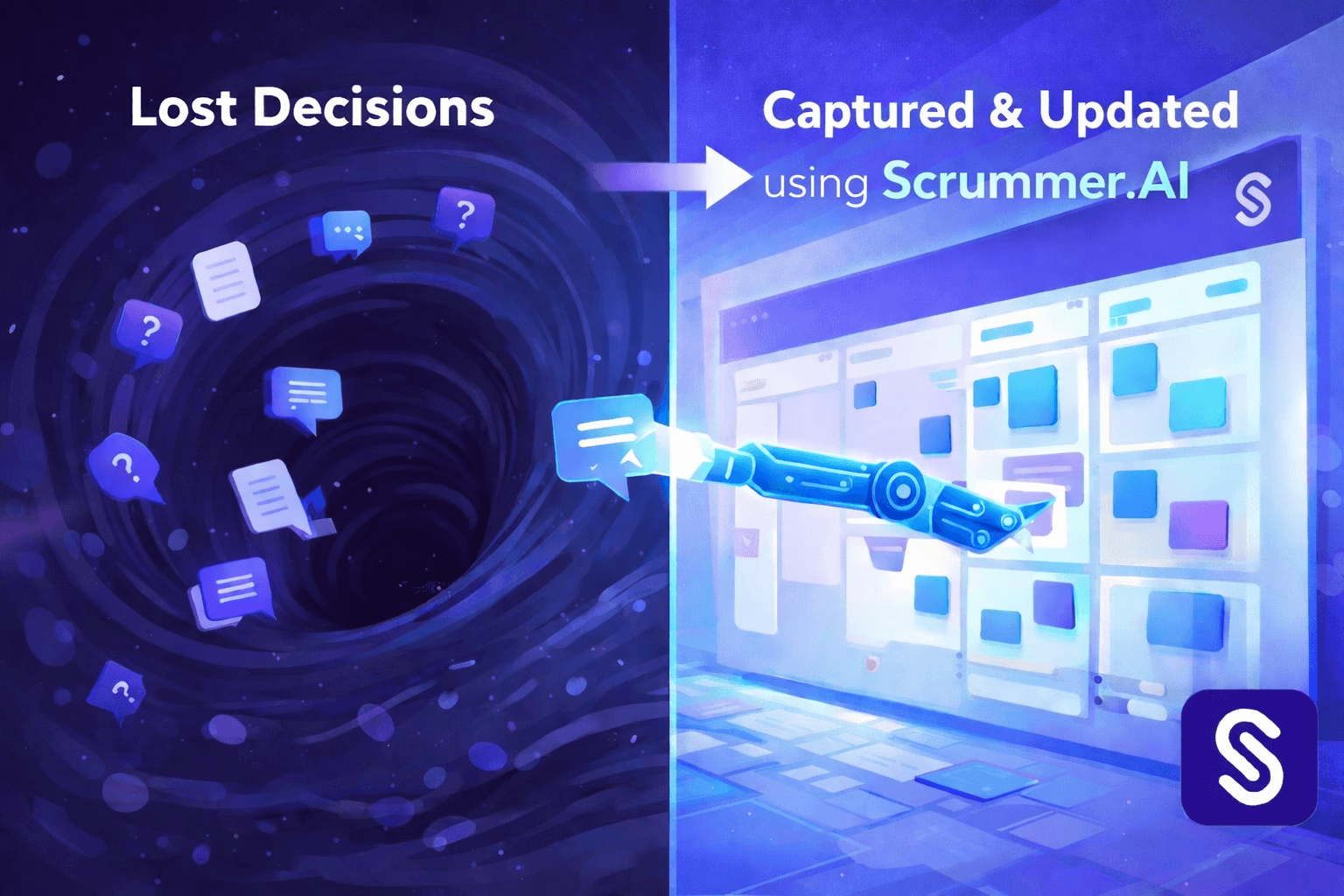
We call this the "Black Hole of Slack."
We treat chat apps as our "office," but we treat Jira as our "ledger." The problem is that the distance between the office and the ledger is widening. Engineering Managers are spending 30% of their week acting as "human routers," copy-pasting decisions from Slack threads into Jira comments just to prove work happened.
If it isn't in Jira, it didn't happen. But if it only lives in Jira, no one will discuss it.
There is a better way to handle this. It's not about forcing devs to spend more time in Jira; it's about Slack to Jira automation that listens to where the work is actually happening.
The Solution: The AI "Bridge" Agent
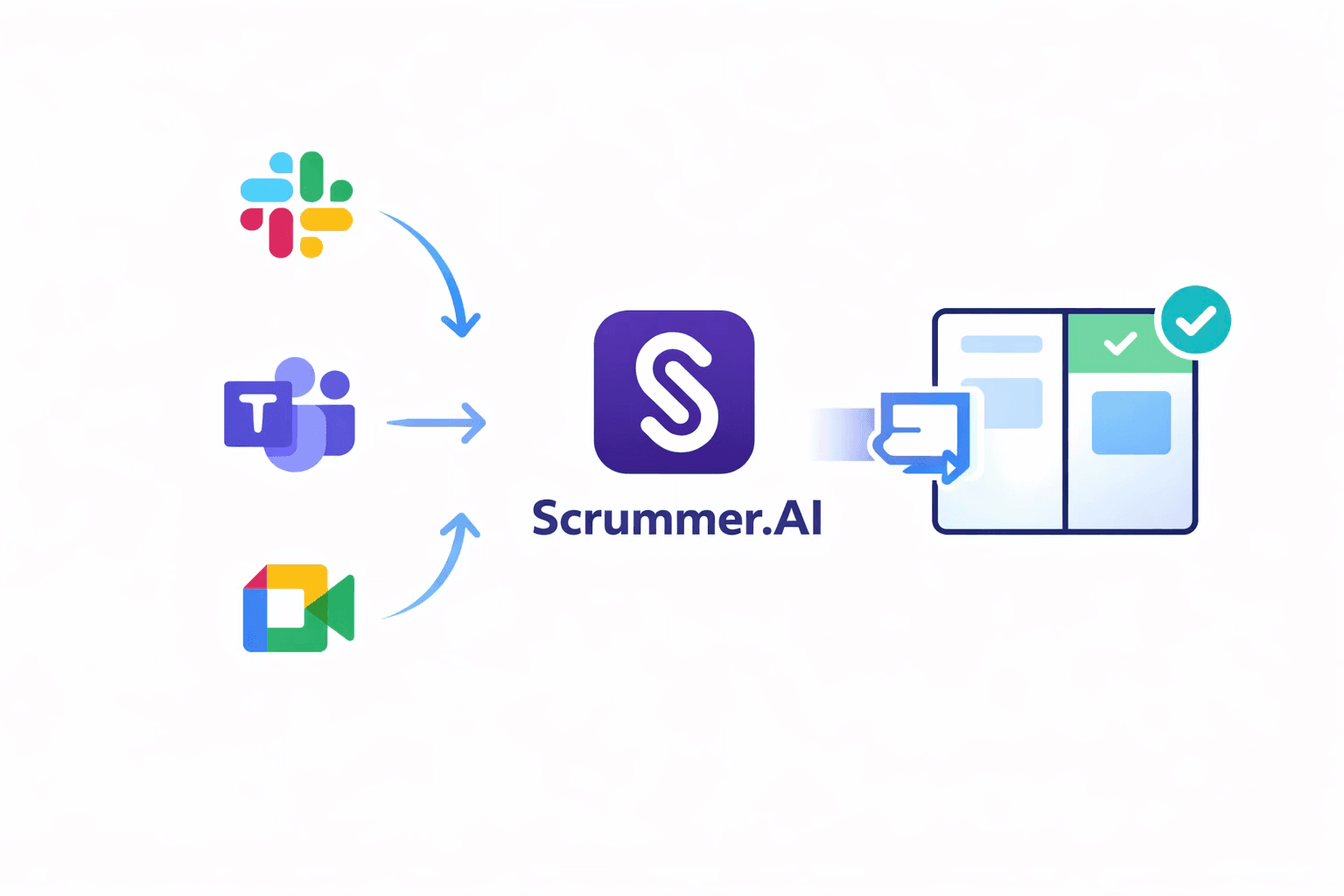
The modern fix isn't another strict process document; it's an intelligent agent that lives in the middle. Tools like Scrummer.ai are designed to bridge the gap between your communication layer (Slack/Teams) and your execution layer (Jira). For a deeper dive into how AI agents automate Jira tickets, check out our guide on how high-performing teams automate Jira tickets from meetings.
Instead of asking your team to "please update your tickets," the Agent acts like a proactive Scrum Master. Here is what that workflow looks like in practice.
Scrummer acts as a central listener, capturing decisions from Slack, Teams, and Meet to update Jira automatically.
1. Catching the "Done" Drift
We've all seen it: A developer says in the Daily Standup, "I finished the login page yesterday." But they forget to move the ticket. The board looks red, but the work is done.
A standard integration does nothing. An AI Agent, however, is listening. It recognizes the intent "I finished...", matches it to the assigned Jira ticket, and takes action.
The Agent Action: It auto-moves the ticket to Done.
The Magic: It takes the specific context from the standup ("Finished it, but we need to watch for latency") and adds it as a comment on the ticket.
Callout: The Value for Developers Devs hate Jira ticket hygiene because it breaks flow. By automating status updates from the standup conversation, you give them back 15-20 minutes of "admin time" every single day.
2. Killing the "Passive Blocker"
Usually, when someone is blocked, they post in a channel: "I'm waiting on DevOps for the AWS keys." Then... they wait. The message gets buried under lunch polls.
An AI Agent treats a blocker as an emergency. It doesn't just log it; it initiates a resolution.
The Workflow: The Agent identifies the blocker and creates a temporary group chat (DM) with the Blocked Dev and the DevOps Lead, saying: "Hey, this ticket is stalled waiting on keys. Can we resolve this?"
It forces the conversation to happen now, rather than waiting for tomorrow's standup. This is how you achieve agile blocker resolution without managing it manually.
3. Real-Time Velocity Risk
Most Sprint Velocity reports are autopsies—they tell you why you died after the sprint ends.
Because the Agent is reading the pulse of the team in real-time (in Slack and Meet), it can predict risk before it hits the chart. If the Agent notices that three senior devs are discussing a "major refactor" on a 2-point story, it flags it.
The Alert: "Risk Detected: The team is spending 3x planned effort on Ticket-402. This puts the Sprint Goal at risk."
What This Means for Your Role
Adopting intelligent automation changes the day-to-day for everyone on the team.
For the CTO/VP: You get Leadership Visibility. You don't have to nag for status reports because the data in Jira is actually live, fed directly from the engineering reality.
For the Engineering Manager: You stop being a "Data Entry Clerk." You don't need to copy-paste updates. You can focus on unblocking your team and coaching people. Learn more about what an AI Scrum Master can do for your team.
For the Product Manager: You get Truth. You know exactly what is effectively done and what is at risk, allowing you to manage stakeholder expectations without guessing.
Objections & Reality Check
We know what you're thinking. Adding a bot to your workflow raises questions.
"Is this going to be noisy?" Valid concern. A good agent (like Sasha from Scrummer) shouldn't ping you for everything. It should only interrupt for actionable blockers or risks.
"Does it read my DMs?" Enterprise-grade agents only listen in channels and meetings they are explicitly invited to. Security is paramount; the agent is a guest, not a spy.
"Will it mess up my Jira workflow?" The agent respects your board's configuration. It doesn't invent statuses; it maps your conversation to your existing workflow (e.g., mapping "Done" to Ready for QA).
Frequently Asked Questions
How does Slack to Jira automation work?
Slack to Jira automation uses AI agents (like Scrummer AI) that listen to your team's conversations in Slack, Teams, and meetings. The agent identifies key decisions, status updates, and blockers, then automatically creates or updates Jira tickets with the relevant context. This eliminates the need for manual ticket updates and ensures nothing falls through the cracks.
Is Slack to Jira automation secure?
Yes, enterprise-grade automation tools only access channels and meetings they are explicitly invited to. They don't read private DMs or unauthorized conversations. Security is paramount—the agent acts as a guest in your workspace, not a spy. All data is encrypted and follows your organization's security policies.
Will automation disrupt my team's workflow?
No, well-designed automation tools like Scrummer AI are designed to enhance, not disrupt, your workflow. They respect your existing Jira board configurations and workflow statuses. The agent only acts on clear signals (like "I finished X" in standups) and can be configured to match your team's specific processes. Most teams report increased productivity and reduced administrative overhead.
What tools support Slack to Jira automation?
Tools like Scrummer AI specialize in bridging Slack, Teams, and Jira. They use AI to understand context and intent, automatically updating tickets based on conversations. Other options include Zapier, Microsoft Power Automate, and native Jira integrations, though these typically require more manual configuration and lack the intelligent context understanding of AI-powered solutions.
How to Stop the Drift Today
You don't need to overhaul your entire agile process to fix this. Start small:
1. Audit your "Lost Decisions": Look at your last 3 retrospectives. How many issues were caused by "I didn't know that changed"?
2. Invite the Agent: Bring a tool like Scrummer into your daily standup channel first.
3. Train the Bridge: Let the agent handle the "admin" of moving tickets for one sprint. Measure the difference in developer happiness.
The goal isn't to replace the human conversation. It's to make sure that when the conversation ends, the work is actually recorded.
Stop letting your decisions vanish into the black hole.